
How to apply coupon on Mobile
Redeem your discounts easily on your smartphone by following these steps.
STEP 1
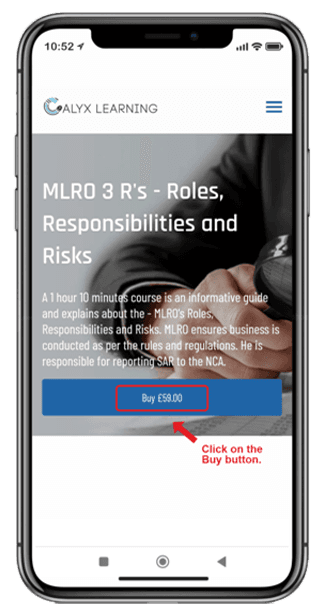
Step 1: Select your course
Browse through our collection on your mobile device and select the course you wish to enroll in.
STEP 2
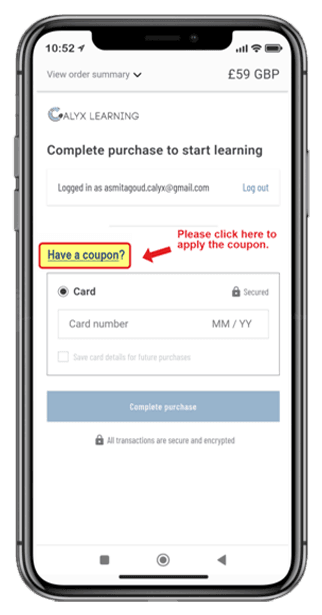
Step 2: Tap 'Have a coupon?'
On the checkout screen, tap on the 'Have a coupon?' text to expand the entry field.
STEP 3
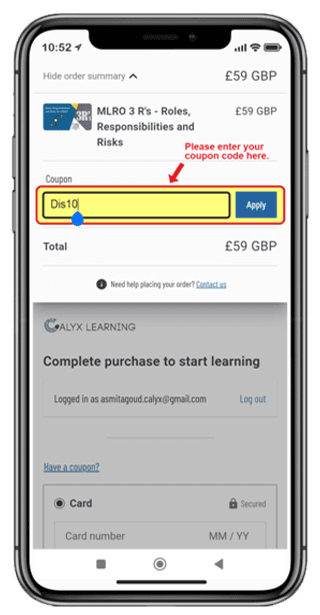
Step 3: Enter your code
Type your coupon code into the box and tap 'Apply'.
STEP 4
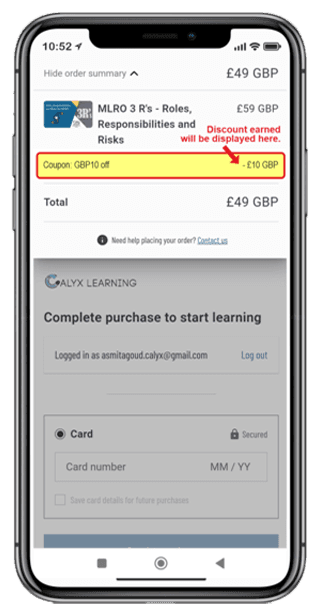
Step 4: Discount applied
Your total price will update automatically. You can now proceed to checkout.